You download a project template to save time, then open it to find unlabeled fields and instructions that assume you already know the method. That is not much of a shortcut. Before choosing an eBook, worksheet, or template, look for signs that it will help with a specific task from the moment you open it.
Look for a clear purpose
The description should tell you what the resource is for and what it is not designed to do. A content calendar, for example, can organize publishing dates and ideas, but it cannot decide your audience or strategy for you. Knowing that boundary helps you judge whether the download matches the work in front of you.
Check the format first
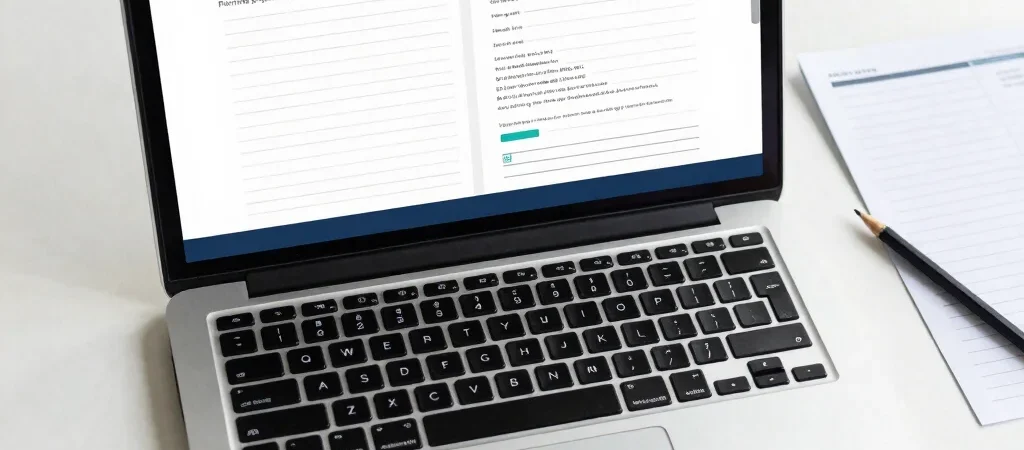
Confirm the file type and the software or account needed to use it. A printable PDF works differently from an editable spreadsheet or a template that depends on a particular platform, so check access requirements before paying or downloading. Clear setup instructions and a preview can also show whether the layout is practical for your workflow.
Choose for your next step
A resource is more likely to be useful when it gives you a concrete next action, such as filling in a brief, mapping a launch, or organizing a recurring task. Prefer a structure you can adapt over one that looks impressive but is difficult to change. At NextGenChoice, I keep downloadable resources practical so you can see what each one is for before you choose it.